Stop Wasting Hours on Hand-Drawn Schedules: Build Your SPM Study Plan with AI in 5 Minutes
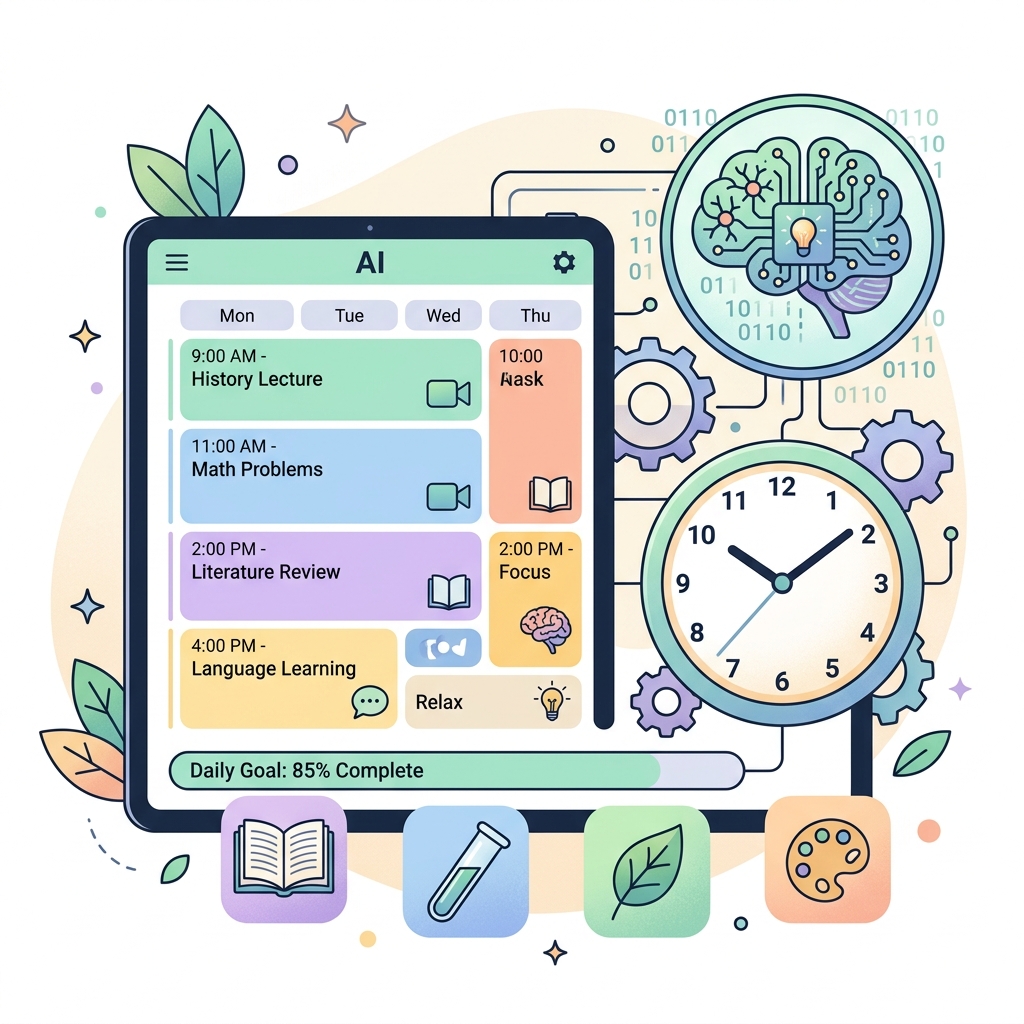
How to Build an SPM Study Schedule with AI in 5 Minutes
Most SPM students don’t have a laziness problem. Their problem: they spend more time planning than studying.
Four hours of a Saturday break are spent drawing a schedule in a notebook. Blue for Maths. Red for History. Little stickers for motivation. The result? A pretty schedule abandoned by Wednesday.
Stop doing that. It’s 2025. You can get a better SPM study schedule — in five minutes — with AI.
Why Hand‑Drawn Schedules Fail 9 Out of 10 Times
Hand‑made schedules usually have three fatal flaws:
- Too idealistic. “Monday: Study 6 subjects, 2 hours each.” Reality: get home at 3, pray, eat — only 3 hours left before sleep.
- No priorities. All subjects treated equally. Your A in Maths gets the same time as the subject you failed in the exam.
- Rigid. No room to adjust as you progress. When one day slips, the whole schedule collapses.
AI solves all three in 5 minutes.
How To Do It: 3 Steps, 5 Minutes
Step 1: One Prompt, One Ready‑to‑Use Schedule
Open any reliable AI — ChatGPT, Gemini, or more specifically, SPM Chat built specifically for the KSSM syllabus.
Paste this prompt. Don’t modify it. Don’t add your own sentences.
“I am a Malaysian Form 5 student. My SPM is November 2025. My subjects: History, Mathematics, Bahasa Melayu, English, and Pendidikan Islam. I am weak in History — scored a D in the trial. I am strong in Mathematics — scored an A. Create a 4‑week study schedule. Maximum 2 study sessions per day, each session 30‑45 minutes. Sundays off. Include specific revision techniques for History.”
Notice what this prompt includes:
- Exact subjects.
- Actual marks (not “I feel weak” — but “D in the trial”).
- Realistic constraints (max 2 sessions a day, Sunday off).
- Specific request (revision techniques for History).
Here’s the output I got in 10 seconds:
| Day | Session 1 | Session 2 |
|---|---|---|
| Monday | History Ch 1‑3 F4 — Read & make a timeline | Maths — Functions & Quadratic Equations |
| Tuesday | BM — Essay introduction (3 types) | English — Essay introduction practice |
| Wednesday | History Ch 4‑6 F4 — Link cause and effect | Pendidikan Islam — Revise memorisation |
| Thursday | Maths — Graphs & Geometry (5 questions) | BM — Summary (explicit/implicit points) |
| Friday | History Ch 7‑10 F4 — Visual timeline | — |
| Saturday | Review all subjects (90 min) | English — Grammar & comprehension |
| Sunday | Rest | Rest |
Roughly 5 minutes done. No need for colours. No need for a ruler. Ready to use immediately.
Step 2: Ask for Specifics Based on Real Exam Patterns
A bare schedule like the one above isn’t enough. You need to ask the AI to use actual exam formats to decide what to emphasise.
Ask the AI to do this:
“For each subject, list which topics commonly appear in SPM based on analysis of the last 5 years. Mark high‑weight topics as PRIORITY.”
For Mathematics — Functions, Quadratic Equations, and Statistics are usually dominant. For History — Chapters 2, 3, 5, 6 of Form 4 and Chapters 1‑4 of Form 5 are the most frequently tested. AI can gather this data from past exam databases.
Ask the AI to allocate more time to priority topics in the schedule. History Chapter 2 F4 (Malacca Sultanate) — 2 sessions. Chapter on economic policies — 1 session is enough.
Step 3: Ask AI to Monitor & Modify
Here’s the feature that sets an AI schedule apart from a notebook schedule: AI can readjust.
After one week, go back to the AI and ask:
“I’ve finished History F4 Chapters 1‑3. I feel okay with them. But I don’t understand F5 Chapter 4 at all. Update next week’s schedule: remove F4 Ch 4, replace with F5 Ch 4. Add 10 minutes of daily revision.”
The AI will produce a new schedule that takes into account your real progress in 30 seconds. No hand‑drawn schedule can do this without cutting and pasting.
Three Traps in the AI Age (Don’t Do These)
❌ “Make me the perfect study schedule”
Too general a prompt = too general an output. AI doesn’t know your life. If you get home at 6 every day, don’t ask for a schedule starting at 4.
Correct: “I’m free from 7.30 pm to 10.30 pm every day. Except Wednesday I have extra class until 9 pm.”
❌ Copying someone else’s schedule
Your friend uploads their AI schedule. You copy it exactly. Two weeks later you’re struggling because your elective subjects are different, your free time is different, your learning style is different.
Build your own. It only takes 5 minutes.
❌ Trusting AI 100%
AI sometimes hallucinates. It might say “Form 5 Maths Chapter 15” when the KSSM syllabus only has 10 chapters. Check with your textbook or the KPM syllabus. Don’t believe blindly.
One Step You Can Take Right Now
Open AI now. Paste the prompt below. Change the brackets according to your subjects and marks. Hit send.
“I am a Form 5 student. SPM November 2025. Subjects: [list subjects]. I scored [grade] in [weakest subject]. I scored [grade] in [strongest subject]. I am free every day at [time]. Create a 2‑week schedule with 2 study sessions per day. First session 45 minutes, second session 30 minutes. Include specific topics for each session.”
5 minutes from now, you won’t be someone who plans to study. You’ll be someone who is studying.